Catalog Overview
The Service Catalog is a persistent record of everything you run - your services and the infrastructure they depend on. Unlike the Services overview, which shows only what is currently sending telemetry, the catalog keeps every entry whether it is active or quiet.
It gives each service an owner, a tier, and a home, and that shared record does the heavy lifting across OpsPilot:
- It grounds Coworker. Investigating an alert or running a check, Coworker draws on catalog entries to know what a service does, who owns it, what it depends on, and how it has behaved before - so it spends fewer AI Tokens rediscovering what it could already know, and investigates better. The more complete your catalog, the more effective Coworker becomes.
- It drives incident response. Affected services on an incident link straight to their catalog entries, runbooks surface on catalog matches, and Analytics shows which entries appear in incidents most often.
- It settles ownership. When something breaks at 2am, the owner and tier are already recorded - nobody has to guess who to contact or how critical it is.
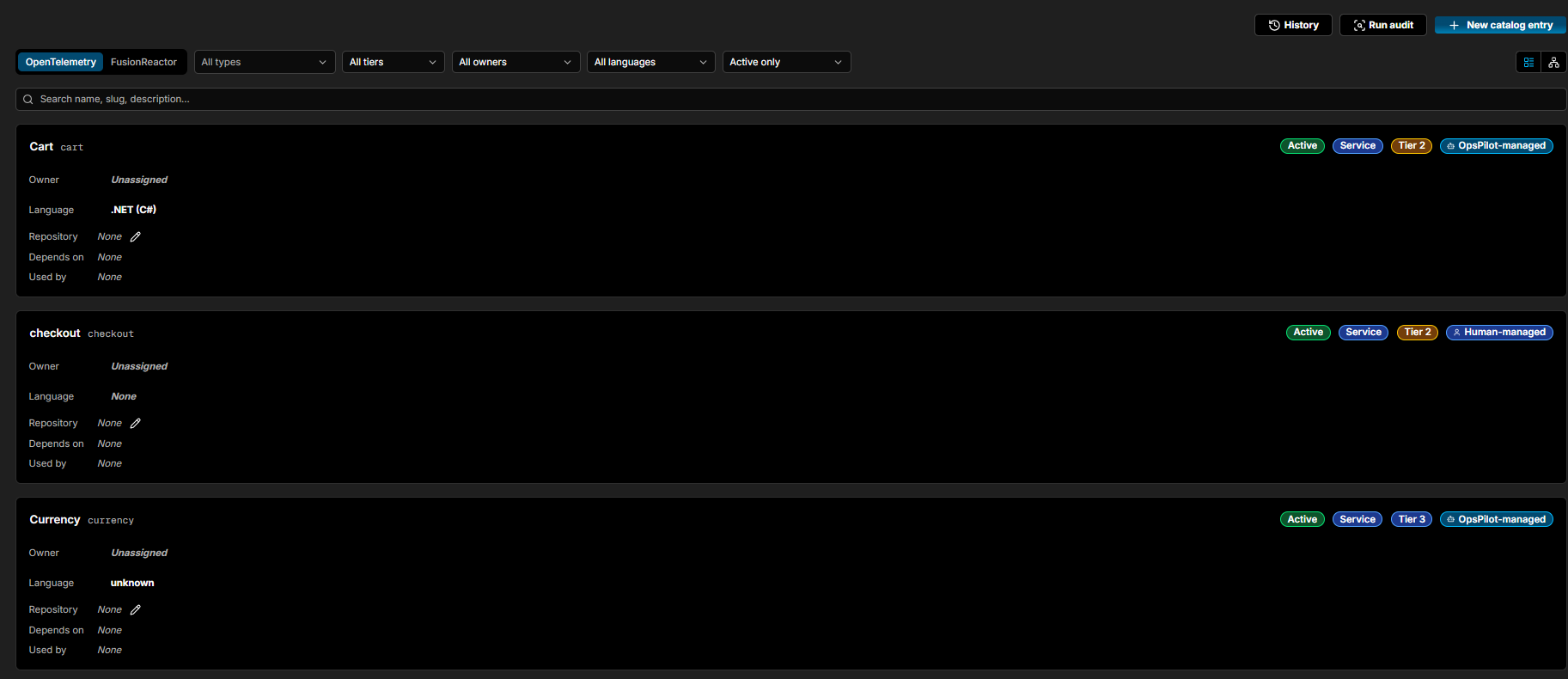
The Catalog landing page is a dashboard that summarizes your catalog at a glance, with + New catalog entry in the top right. Create and manage entries on the Entries page.
Inventory
Inventory breaks your active entries down by category - All active, Services, Messaging, FR apps, and FR servers - each showing a total and a split by tier (Tier 1, Tier 2, Tier 3, Internal, No tier).
Catalog quality
Catalog quality scores how complete your catalog is - the percentage of fields filled across active entries - with a bar per key field (Owner, Tier, Repository, Language) showing how many entries have it.
- Run audit re-runs discovery to create and refresh entries - see Adding a catalog entry.
- Catalog vs telemetry (Check telemetry) compares what sent telemetry in the last 24 hours against what is cataloged - flagging services with no entry, and entries with no telemetry.
It also shows when the last audit ran, with an Audit history link.
Dependencies
Dependencies ranks entries by how they connect, each row showing the entry's tier and a count:
- Most depended on - the entries the most other services rely on
- Depends on most - the entries that rely on the most others
- Tier 1 hard dependencies to look at - risky dependencies for your critical services, flagged Not in the catalog or Lower tier
Recent audit activity
Recent audit activity lists the latest audits - what was updated, when, and the OpsPilot AI Token cost - with a Full history link.
Tech landscape
Tech landscape summarizes the technology across your catalog: a breakdown of Languages (such as Go, JavaScript, Python), and the Instrumentation in use (such as opentelemetry-dotnet-instrumentation).
Need more help?
Contact support in the chat bubble and let us know how we can assist.